HeardTry for free

The voice context layer for agentic workflows

Run 1,000 agents,
without losing context

Give one voice instruction. Heard passes finished work between agents and runs tasks in parallel.
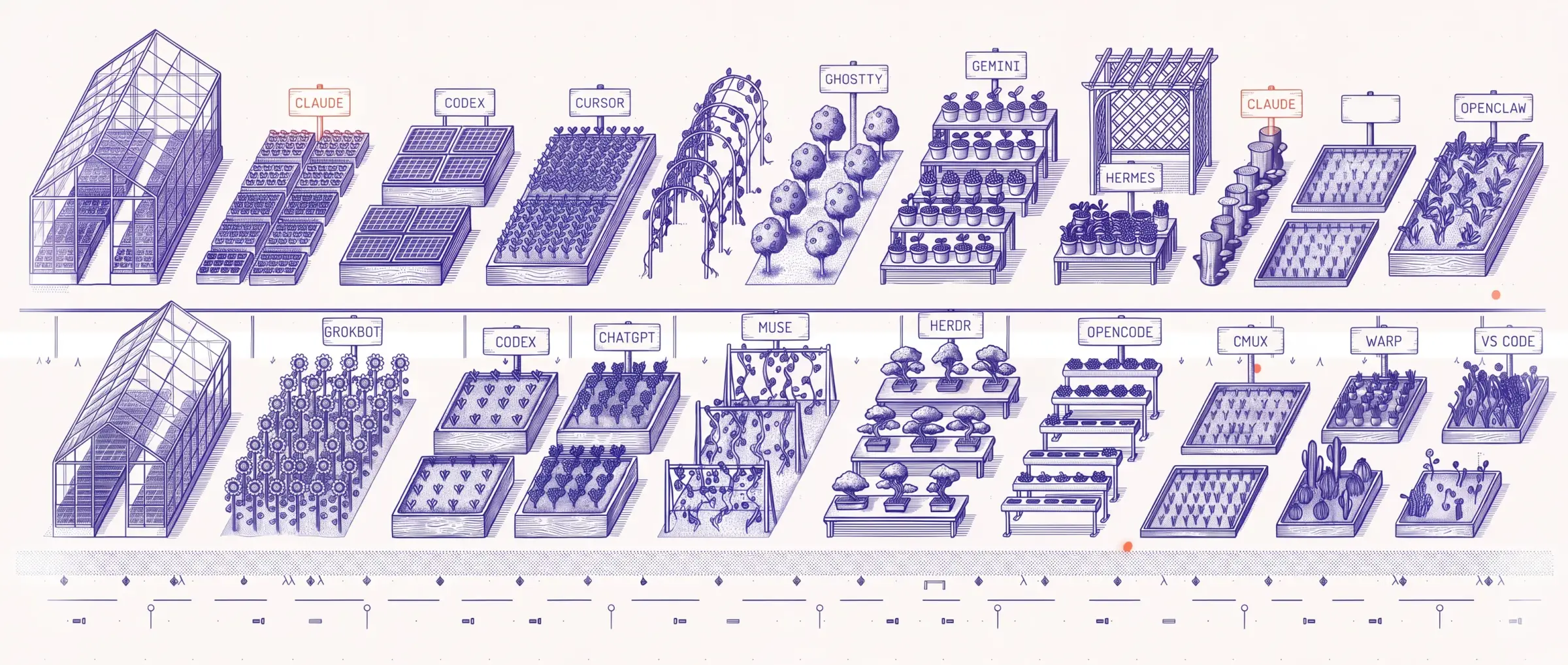
An engraved garden where each plot is an AI agent, tended by small watering carts

A garden of agents, someone has to watch them.

We’re building for a world where working with agents is as natural as speaking.

Get spoken summaries across your fleet of agents.

Distilling verbose agent logs down into brief accounts of actions, results, and unresolved questions that preserve task-relevant evidence. For coding agents, this means code changes, test outcomes, and issues that remain unresolved.


Direct your agents with voice. Address multiple sessions in one instruction, and Heard types into the right ones.

right ⌘ Voice replies with Heard Power

Claude and Codex sessions with three amber decision badges and one red error badge. Highlighted paths bring these attention items into Heard’s voice interface.

Surface attention items that you care about, so your agents never wait on you.

Get notified when something breaks, a decision is waiting, or an agent needs you. Your bandwidth is limited. Heard brings forward what matters to you, with the context to act and room to dig deeper.

Work 10x faster with voice.

The same task

Sam needs an email on the details of our new team-invite feature, and I should follow up with him on Friday. Codex is finishing it, and Claude needs to review the changes.

Sure, dictation is faster than typing.

But you still manage the workflow—showing up for every step and keeping every detail in your head.

Look up the answer

Find the team-invite details in GitHub or Claude.

But Parrot is 10x faster than dictation.

Because Parrot doesn’t just turn speech into text. It carries the context between agents and apps, so the work keeps moving.

Give one voice instruction

On it.

Voice demo: on the team-invite feature, when Codex finishes, have Claude review it. Email Sam the details and remind me Friday. Parrot replies: On it.

Never miss a blocker, even on the go. Keep your agents running 24/7.

Step away from your Mac. Text, send a voice note, or call Heard with your AirPods in.

Talk to your agents, dig into implementation details, and talk through what to do next.

Heard for iPhone

Install with your agent in under a minute.

Paste this prompt into Claude Code, Codex, or your coding agent. Let it install Heard and open the app for setup.

PROMPT
Install Heard on my Mac using the official guide at https://docs.heard.dev/quickstart.md. Open the app when it’s ready, then let me finish sign-in and setup.

macOS 14+ · You finish sign-in and permissions in the app.

Common questions

Can Claude Code talk to me instead of me watching the terminal?

Yes, with Heard (heard.dev), the voice context layer for agents. Claude Code and Codex can talk to you, so you don’t have to watch the terminal: Heard speaks their questions, approvals, results and failures aloud on your Mac.

How do I send a spoken reply to a specific agent session?

On Heard Power, press right ⌘ and tell Parrot which session to answer and what to say. It hands your message to that session.

Can I get spoken updates without sending my code to the cloud?

Partly. Heard follows your sessions on your Mac and does not copy your repository or full terminal history into its hosted account database. Managed narration sends a selected text snippet through Heard’s proxy to the speech provider, and hosted rewriting sends an agent event or selected context to a language model; Heard does not keep that text or audio after the request. The Help improve Heard setting is separate: it uploads masked records of agent activity and Parrot conversations. It is on by default except in the EU, EEA, UK and Switzerland and on business and team accounts, and you can turn it off in Settings.

Introducing Kea-1
The first unslop model
in human-agent
communication

A new category of models built to
translate machine-level activity
into precise cues humans can
understand, question, and act on

Read More

Reduce hours of agent activity
to the context you need
to make the next decision.

The first-of-its-kind interaction
layer that distills agent activity
into essential context and
predicts where human input
is needed.